How to do:
- open the folder in File Explorer
- go to click the address bar at the top (or press
Ctrl + L) - type
cmdand pressEnter - then, we will see the dark interface of Command Prompt in that folder, like this:
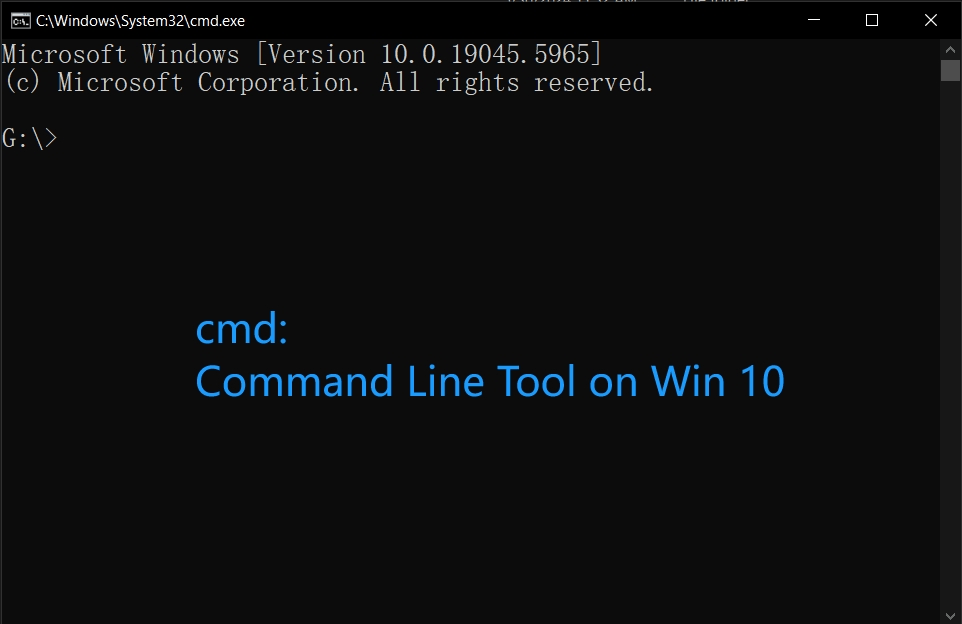
Here, I am going to share the way to quickly open the cmd prompt in a specific folder on windows 10 system.
Ctrl + L)cmd and press Enter