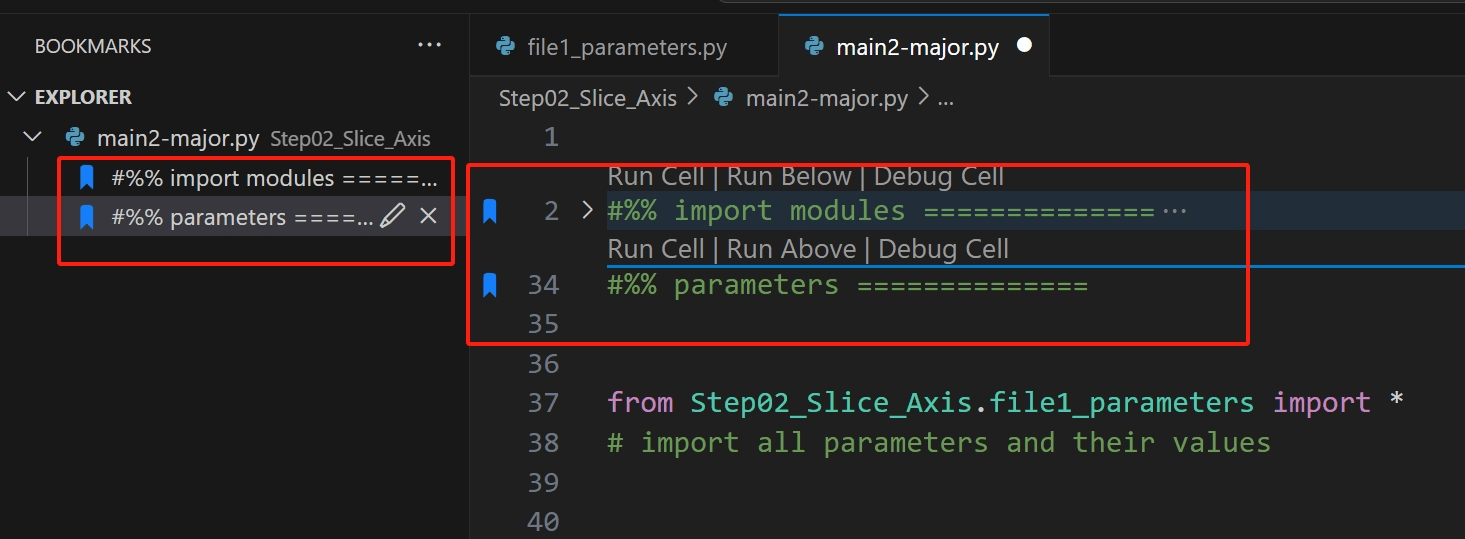
How to do
- Install the
Bookmarksplugin in VS Code. - After successful installation, we can see a new Icon for Bookmarks on the left toolbar.
- Click the Icon, and then add a bookmark in the editor: (1) Place the cursor on the desired line; (2) Press
Ctrl + Alt + K. - After that, we can see a table of contents composed of the bookmarks we added.
Results